

Reference

The bd 222 app fits your screen and your pace

Open live casino tables, slot rooms and cricket markets from your phone without switching browsers. We built mobile access around fingerprint login, push notifications for bet settlements and quick bKash or Nagad top-ups so you can play during your commute or from home in…

Browser compatibleFingerprint loginPush updatesDark modeDevice sync
bd 222 The bd 222 app fits your screen and your pace

Features that speed up your session

We added the tools mobile players ask for: biometric unlock for one-tap entry, notifications that arrive the moment a result posts, interface themes that adapt to your screen brightness and an offline preview so you can browse the game list even when your connection drops. Every feature exists to cut friction between you and the lobby.

Fingerprint unlock

Unlock your account with your fingerprint or face scan instead of typing credentials every time you open the app, cutting login time to under two seconds.

Push alerts

Receive instant notifications when your bet settles, a withdrawal is approved or a new promo goes live so you never miss account activity while away from the screen.

Dark mode

Switch to dark theme for night sessions or battery savings; the interface adjusts contrast and icon colours to stay readable without straining your eyes in low light.

Offline lobby preview

Browse the game catalogue, read slot mechanics and check your transaction history even when your connection drops; the app caches lobby data so you can plan your next session.

bd 222 Lobby in your pocket, bets on the move

Lobby in your pocket, bets on the move

Our mobile interface loads your account state, shows live odds and lets you claim slot features without desktop. Fingerprint authentication skips the password screen; push notifications tell you when a bet settles or a withdrawal clears. Dark mode saves battery during late sessions. The betslip stays pinned at the bottom so you can add selections while scrolling BPL markets or IPL fixtures.

Deposit buttons open your bKash or Nagad app directly, confirm the amount with your PIN and return to the lobby in seconds. The same wallet balance syncs across phone and desktop so you never lose track of your account.
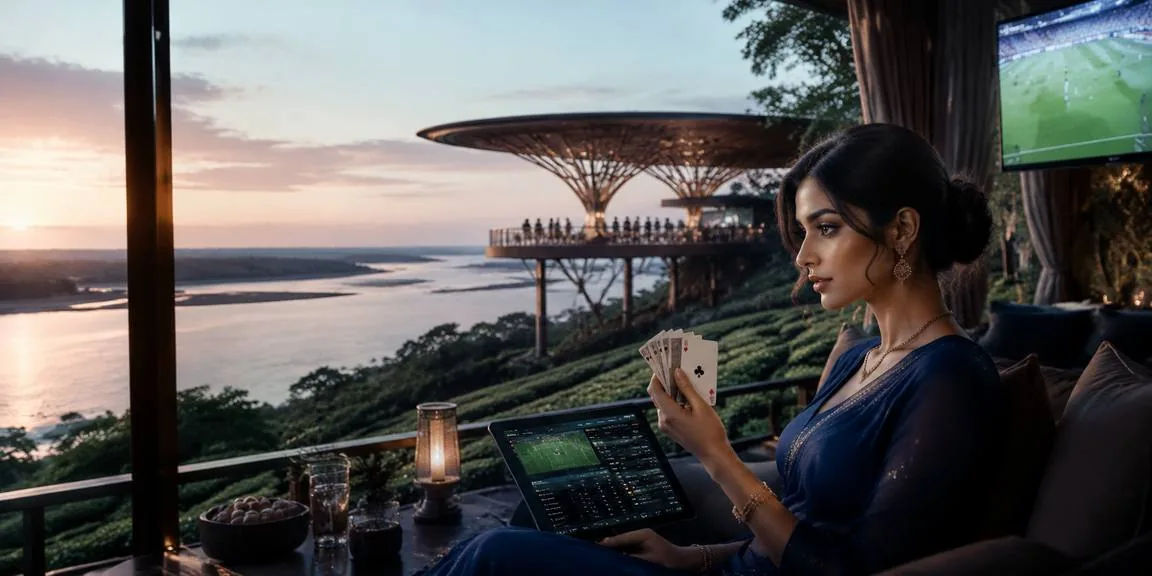
bd 222 Mobile access in three quick steps

Mobile access in three quick steps

Getting into the lobby from your phone takes less than a minute. Open bd 222 in Chrome, Safari or your default browser; the site detects your screen size and loads the mobile layout automatically. Sign in with your account credentials or register if you are new; the form adapts to portrait orientation so every field is thumb-reachable. Once logged in, add the

page to your home screen for one-tap access. The interface remembers your login state and syncs your wallet balance across sessions. If we release a native Android or iOS build in future, we will announce download links on the homepage and inside your account dashboard; always verify the source before installing any app file to protect your account security.

  • Open the site — Visit bd 222 in any mobile browser; the layout adjusts to your screen automatically without requiring a separate app download.
  • Sign in securely — Log in with your existing account or complete the quick registration form; enable fingerprint unlock in settings for faster entry next time.
  • Add to home screen — Tap your browser menu and select 'Add to Home Screen' so the lobby appears alongside your other apps with one-tap access.

What works on mobile right now

Our mobile interface runs on Android phones from version 8 upward and iPhones running iOS 12 or later; most devices sold in Bangladesh over the past four years meet this baseline. Chrome, Safari and Samsung Internet browsers all render the lobby correctly. Screen sizes from 5 inches to tablet work without layout issues. You need an active data connection or Wi-Fi to load live tables and place bets, but the game list and account history cache for offline browsing. Check the compatibility section in your account settings to confirm your current device and browser are recognised; if something looks broken, try clearing your browser cache or switching to Chrome.

Android 8+Any Android phone running version 8 or newer loads the full lobby; older versions may miss some animations but core betting and deposits still function.
iOS 12+iPhones from the 6s onward run the mobile site without issues; Safari handles live table streams and betslip updates at full speed on supported models.
Browser supportChrome, Safari and Samsung Internet are tested and working; avoid outdated or niche browsers that may not render the payment modal or game frames correctly.
Screen layoutPortrait and landscape modes both work; the betslip, wallet and game grid adjust automatically so controls stay thumb-reachable on any screen size from 5 to 10 inches.
Connection needsLive tables and bet placement require an active data or Wi-Fi connection; the app caches the game list and transaction history so you can browse offline and plan your next session.

App access and device questions

We currently offer mobile access through your browser at bd 222, which adapts to your screen automatically. If we release a native app build in future, download links will appear on the homepage and in your account dashboard.

Yes. Once you enable biometric unlock in account settings, your phone's fingerprint or face scanner will authenticate your login instead of typing your password, cutting entry time to under two seconds per session.

Modern browsers support web push notifications; allow them when prompted and you will receive alerts for bet settlements, withdrawal approvals and new promos even when the site is not open on your screen.

Tap the deposit button in your mobile wallet; the modal opens with bKash, Nagad and Rocket options. Select your method, confirm the amount and your payment app opens automatically to complete the transfer with your PIN.

Your wallet balance, bet history and account settings sync in real time across all devices. Place a bet on your phone during lunch and check the result on desktop later; everything stays current across sessions.

Clear your browser cache and reload the page; outdated cached files sometimes prevent the latest layout from rendering. If the issue persists, switch to Chrome or Safari and confirm your device runs Android 8+ or iOS 12+.
Reference

bd 222 App

Service availability depends on eligible regions and local law. Users should check local rules before opening an account.

Access may be available only where local law permits.